Schedule I Mods
The Faded Mod Installer now mods Schedule I. Pick a mod, install it, press Play. The installer handles the FadedCore runtime for you.
Supported since installer 0.3.22. Current installer: 0.3.23. All Schedule I mods below are pre-release.
How to install
- Download the installer from the installer page and close Schedule I.
- Open Mods in the Schedule I section and pick a gameplay mod.
- Install it. The installer installs or upgrades the required signed FadedCore runtime automatically.
- If asked, use the Microsoft .NET Runtime 10.0.12 x64 entry: it opens the official Microsoft installer, then the app resumes.
- Press Play for modded startup. Restart the game fully after any mod change.
Back up your saves. A fresh Phat Stack install asks for a verified pre-mod save backup (or an explicit new-save choice). Removing Phat Stack requires restoring that backup, even after emptying the extra slots. The game must be closed for backups.
The mods
FadedCore
The signed runtime every Faded Schedule I mod runs on. The installer installs or upgrades it automatically; you never install it by hand.
- 0.4.9 adds the companion support Viewpoint S1 needs: isometric camera, screen-relative movement, cursor world-target facing and weather-aware sky enhancement.
- Keeps Phat Stack all-item stacks, Hollywood protection and holsters, Gang Life actors and Trafficking adapters from 0.4.8.
- Updating the runtime preserves your installed mods, selections and startup settings.
Viewpoint S1
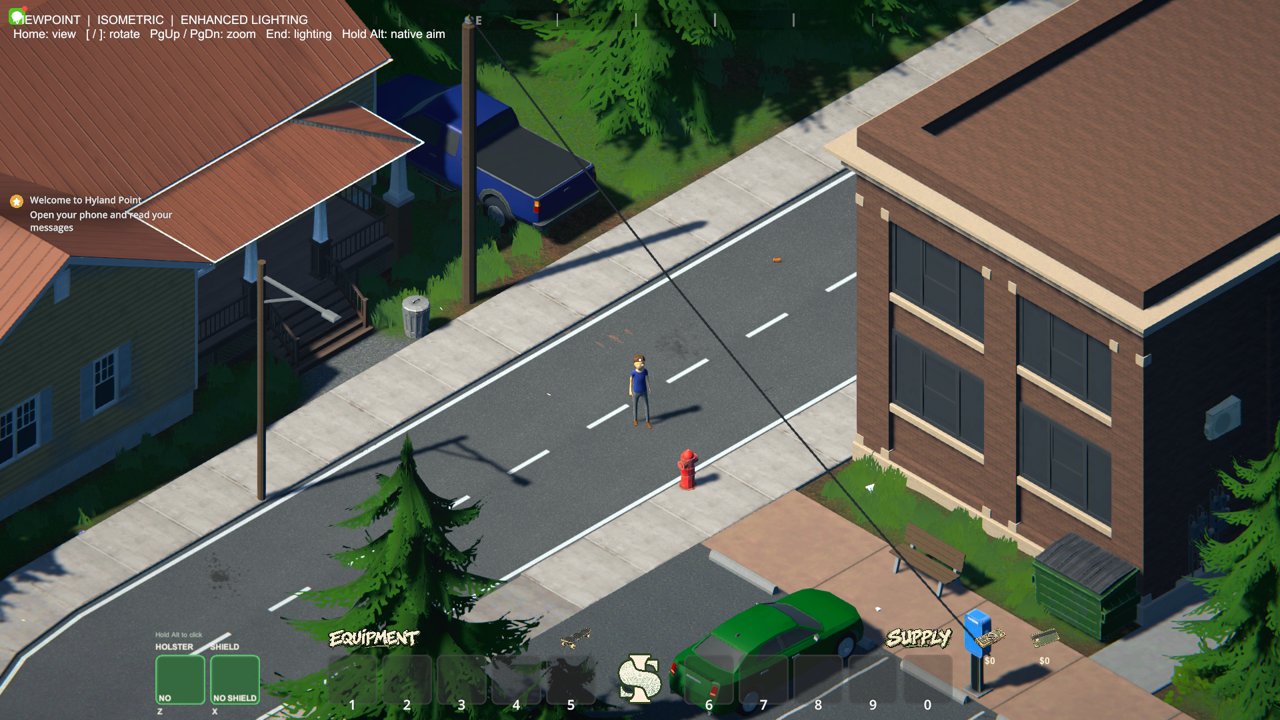
A rotating orthographic isometric view with smooth rotation, zoom, a perspective alternative and collision fallback for small interiors.
- PZ controls: WASD follows screen direction, the cursor stays free, and mouse buttons face the cursor's world target.
- Home toggles isometric/native view; [ and ] or middle-mouse drag rotate; Page Up/Down zoom; End toggles visual enhancement; hold Alt for native view.
- Weather-aware sky enhancement keeps native clouds, rain, fog, wind, sun, moon and night darkness.
- Shares the camera with Gang Life: toggle Gang Life's camera off (F6) before using Viewpoint.
Trafficking
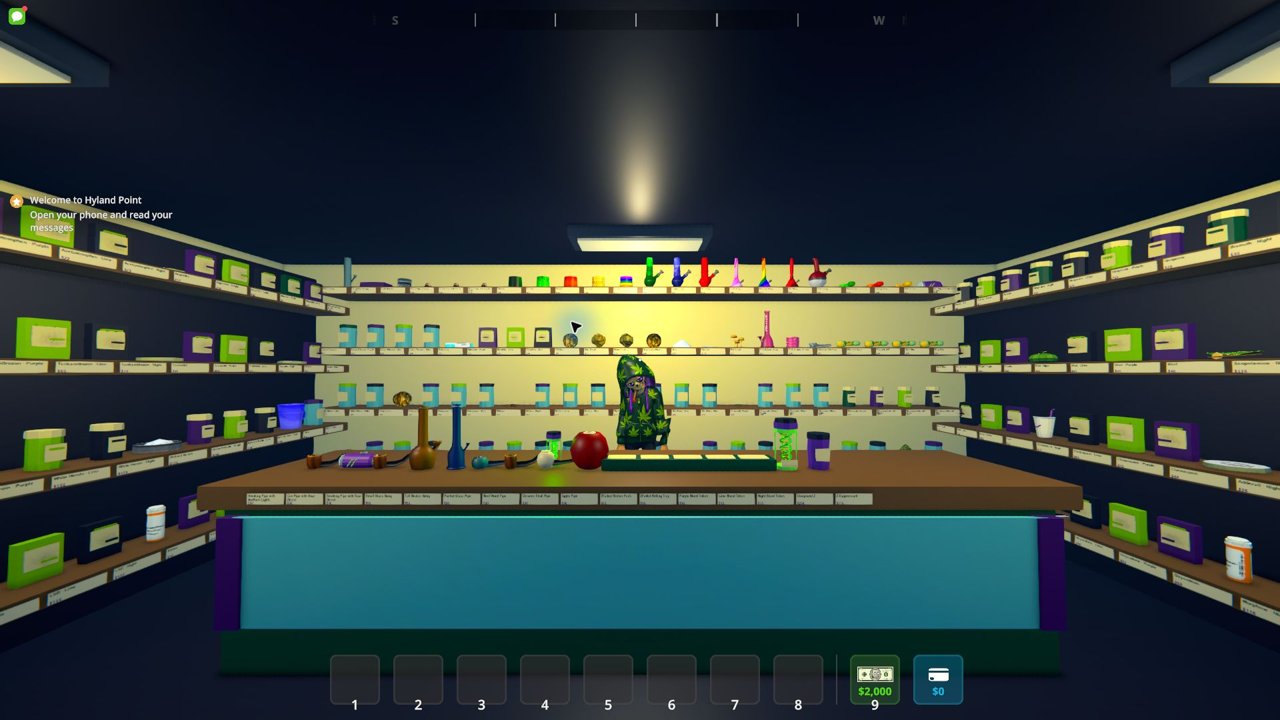
Adds the raised 2Faded smoke shop at Westville's Slums Waterfront, built from the Too Faded / Just2Faded roster.
- 248 storefront entries, 147 native mixing recipes, smoking accessories and custom effects.
- The fictional Compound Z outbreak, with a preturn Z-Suppressant treatment.
- F11 near the shop opens the counter; F4 arms a carried bong or pipe; F12 uses Z-Suppressant on a nearby incubating person.
- Wait for the 2Faded main-menu preparation overlay to finish before loading a save.
Phat Stack
Ten inventory slots split into Equipment 1-5 and Supply 6-0, with bigger stacks for everything.
- At least 100 per carried stack and 300 per rack slot for all ordinary items; higher native limits stay higher.
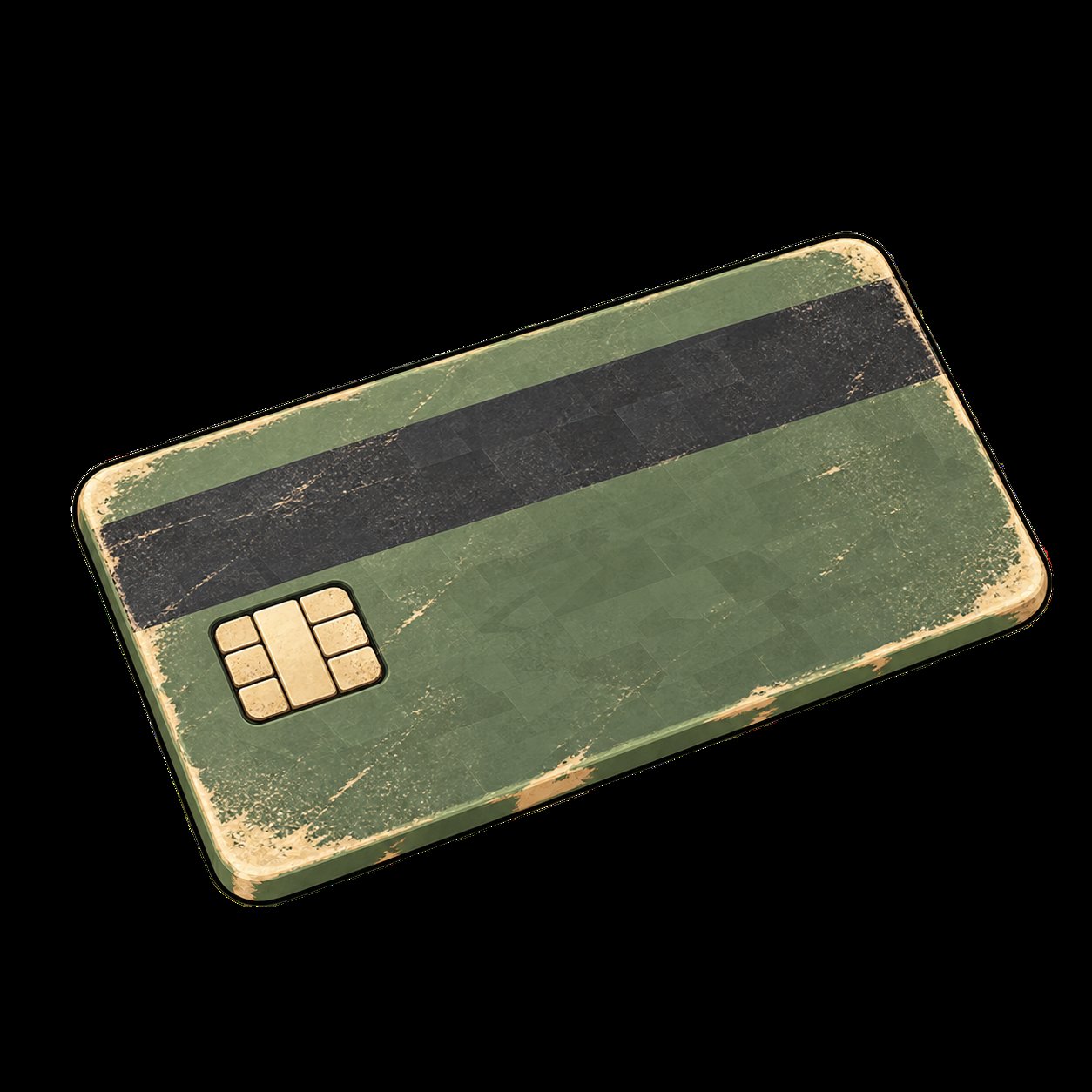
- Original hotbar artwork, cash and card presentation, and a skateboard shortcut.
- Save backup required: removing Phat Stack means restoring your pre-mod backup, even after emptying the extra slots.
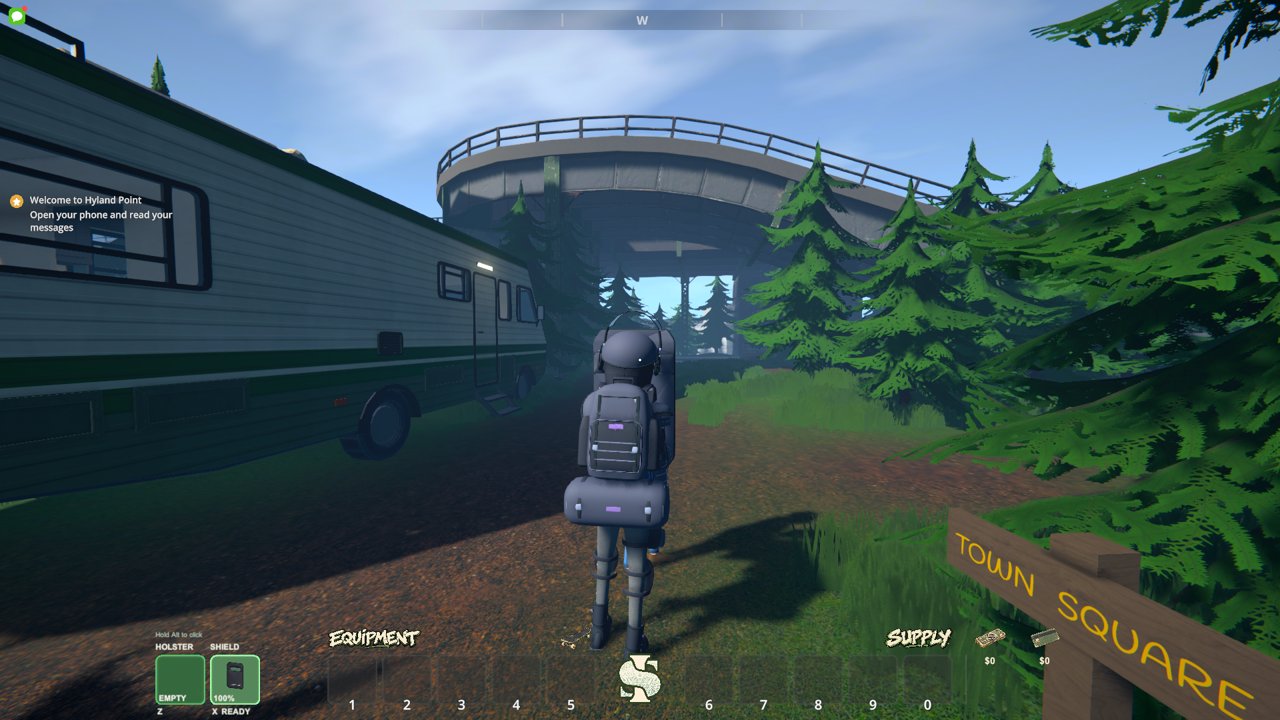
Hollywood
71 gear items: four complete 16-piece sets, an alternate shoulder holster and six civilian bags.
- A 24-slot backpack and a separate 36-slot duffle that can be worn together.
- An independent pistol holster slot, armor, shields and shield shoves.
- F10 opens the equipment tablet, Z draws or reholsters the pistol, X selects the shield; Space or B shoves while guarding.
- Empty both bags and return the pistol before disabling or removing Hollywood.
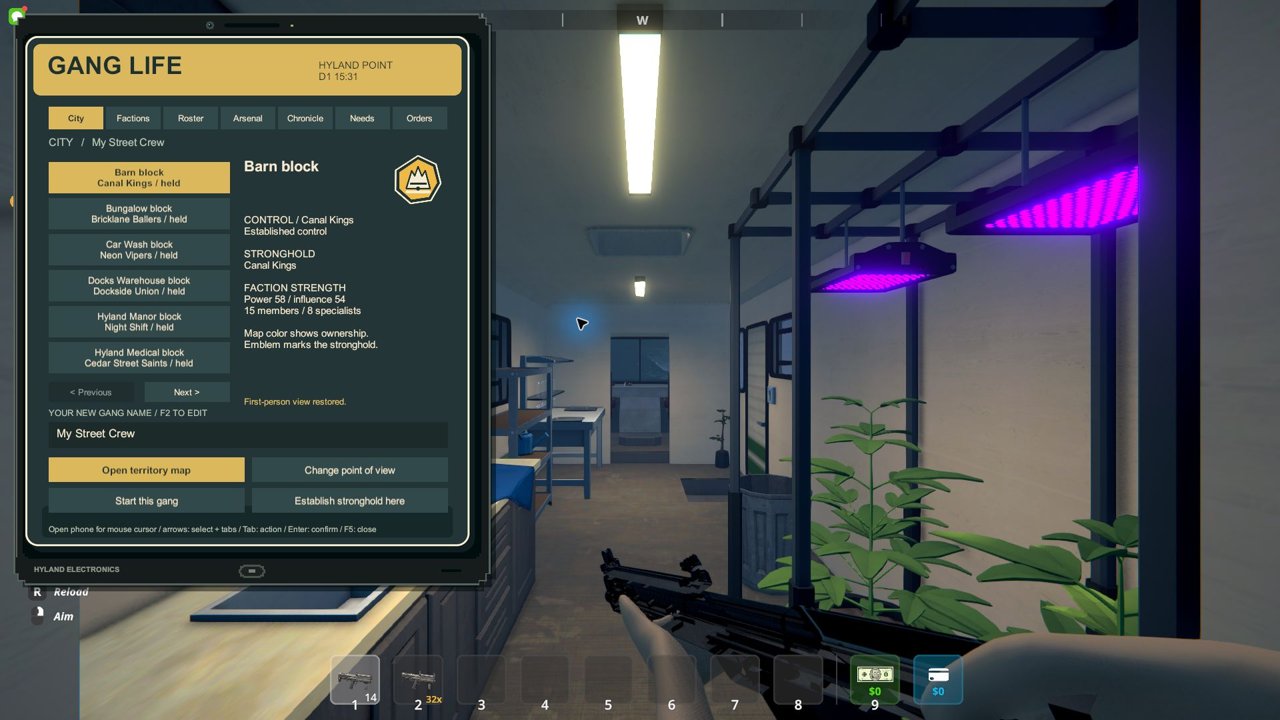
Gang Life
Build your own crew or join one of ten fictional factions. Recruit ranked specialists, set up strongholds and contest territory.
- Tablet headquarters, shared NPC orders and rivalries.
- Seven firearm definitions, optional third-person, original faction art and forty offline voice clips.
- F4 interact, F5 headquarters, F6 first/third-person, F7 territory overlay on the phone map.
Requirements
- Windows x64. Schedule I runtime operations are Windows-only.
- Supported Steam build of Schedule I.
- Microsoft .NET Runtime 10.0.12 x64 (exact version, set up from the installer).
- Faded Mod Installer 0.3.22+ (0.3.23 recommended).
Single-player first. Connected multiplayer and some gameplay/input paths are unverified. Check each mod's release notes before relying on it with friends.
Updating the installer app does not install mods or change game files or saves. Launch without mods uses ordinary Steam.